
Switch tabs without the mouse
Tab Launcher is a free Chrome extension. Press Alt K to search your open tabs, or hold Alt and tap Q to flip back to the tab you were just on.
Tab Launcher is a free Chrome extension. Press Alt K to search your open tabs, or hold Alt and tap Q to flip back to the tab you were just on.
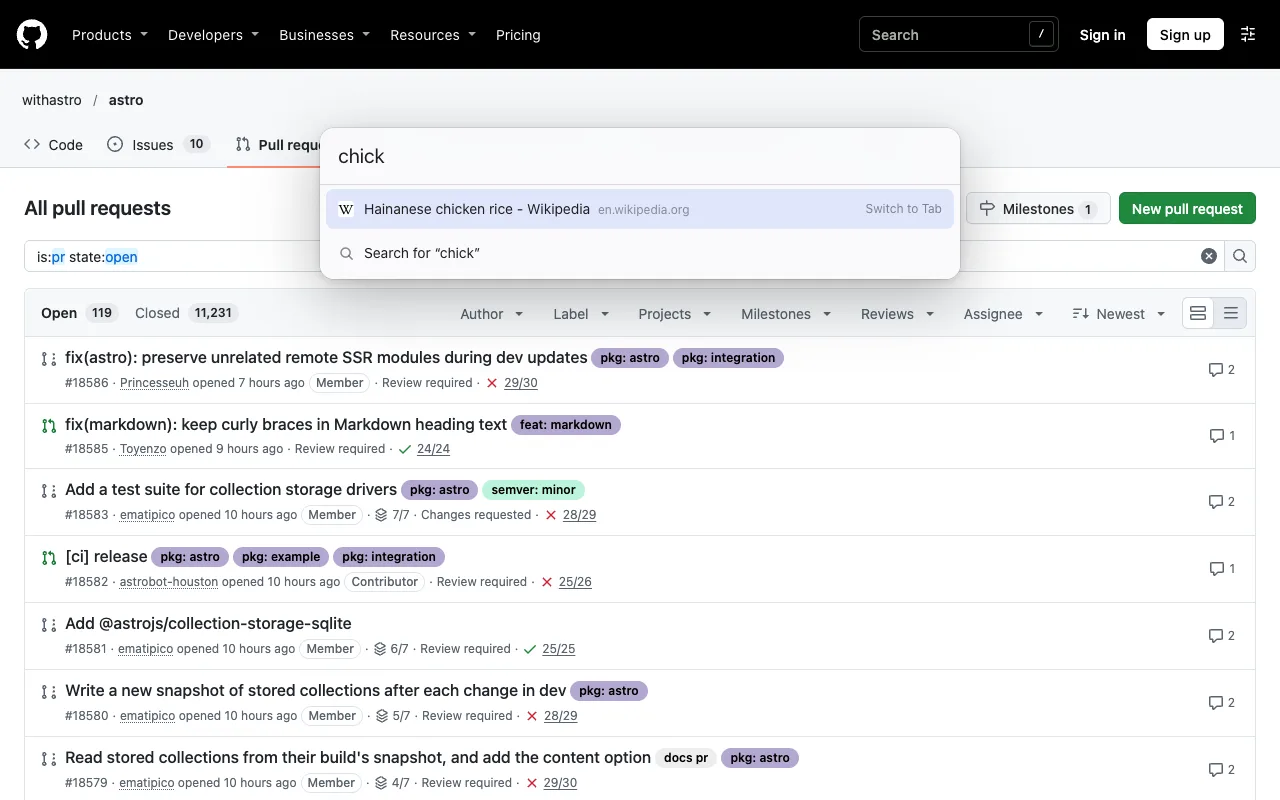
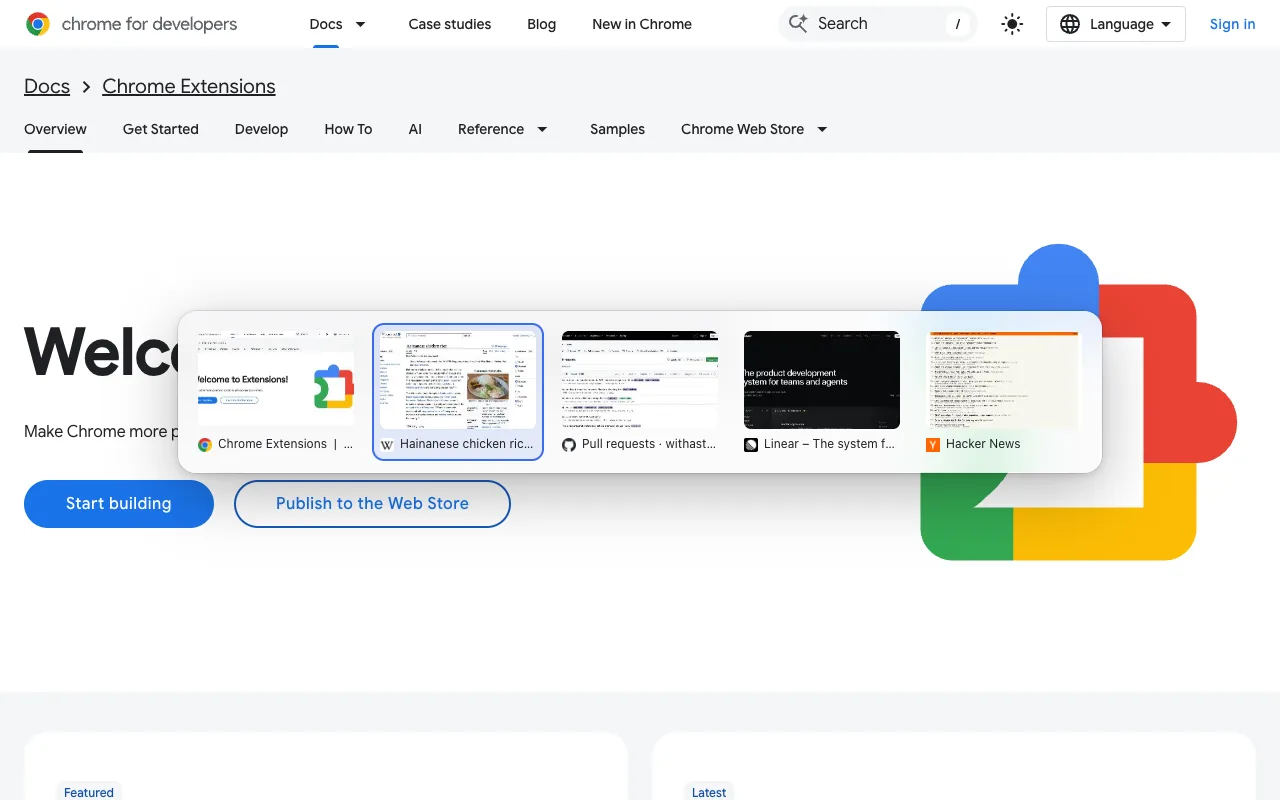
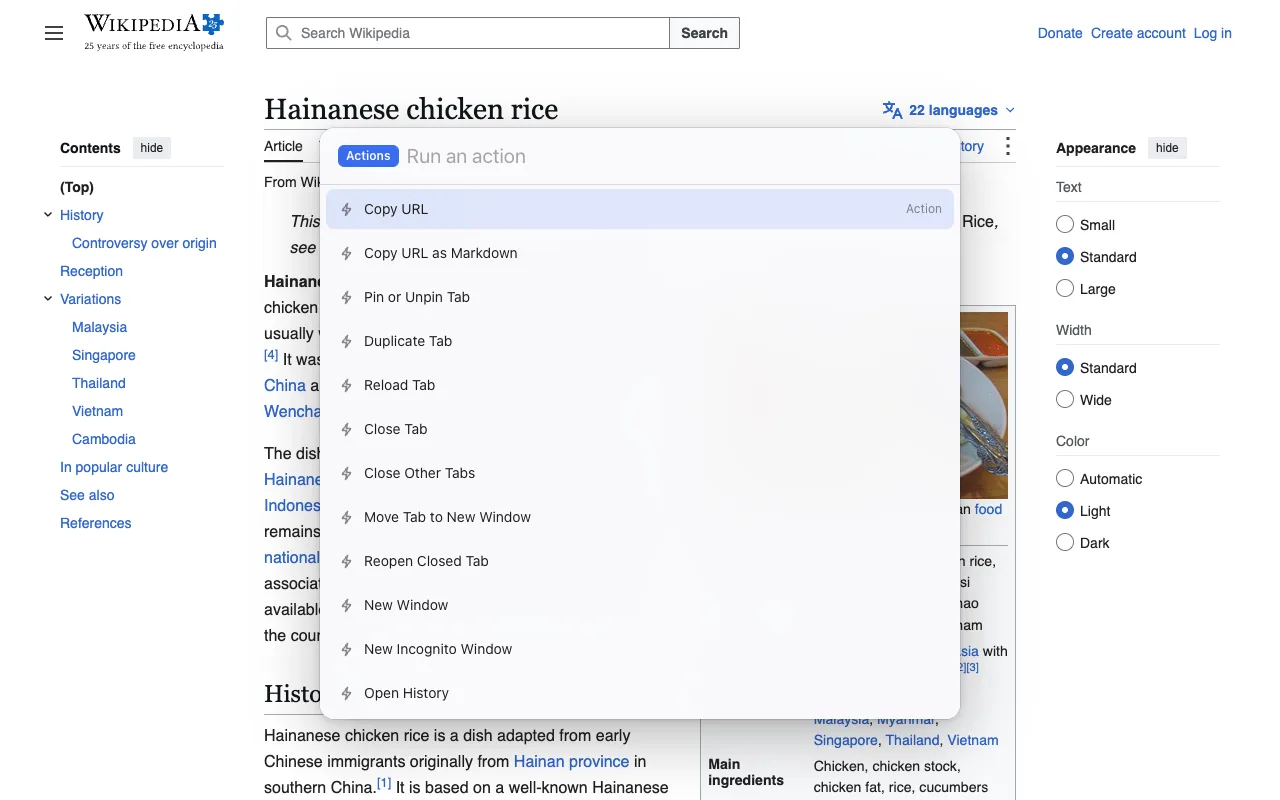
Chrome doesn't let extensions take those keys by default, but you can assign them yourself at chrome://extensions/shortcuts. The settings page walks you through it.
Yes. Chrome doesn't let extensions draw over those pages, so there the command bar opens in its own small window instead.
Nothing leaves your computer. It reads tab titles and addresses to show results, and only searches history and bookmarks if you turn that on. No accounts, no analytics. Privacy policy.
Yes, with no paid tier. It's open source (MIT).